Windows · In development
Your character.
Your AI companion.
A character you drew, a robot you love, a creature of your own invention. Bring its look to your workspace, then choose its voice and the AI behind it.
A preview on this page. Your image stays on this device. PNG · 5 MiB · Formats in the OGF app: PNG and VRM
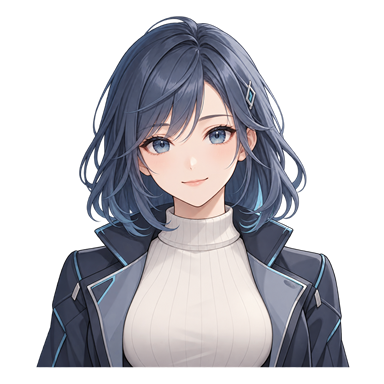
Meet Sora
English audio and captions
Read the transcript
Hi, I’m Sora. Welcome to our workspace. What shall we make today?
One workspace, three views.
Explore screenshots from the Windows app.
A voice for your companion
In our Windows development build, you can type a message, get a reply from a local AI model and hear your companion read it aloud with VOICEVOX. You choose the companion and the voice separately.
Hear about it by email.
Open Guild Forge is in development and is not available yet. We'll send release news and occasional development notes — not a download, and not a promise of access.